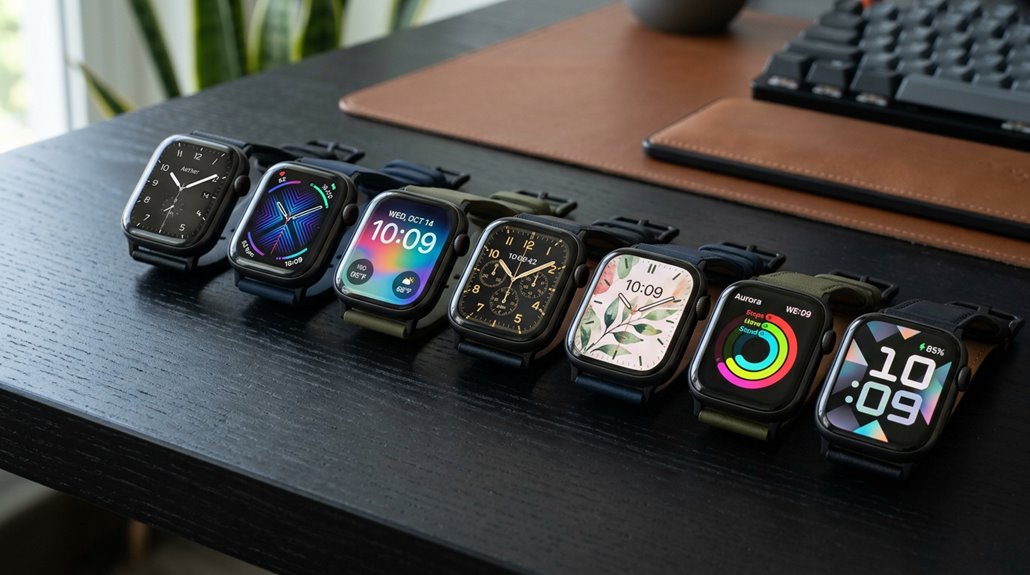
Personalizing a smartwatch can be fun and practical, with options like vibrant AMOLED watch faces for active lifestyles or minimalist digital designs for a sleek look. Styles match different moods or activities, from casual to professional. Users can adjust colors, add weather or fitness complications, and switch layouts easily through apps like Galaxy Wearable or Facer. Combining these features helps create a unique look and instant access to key info. Explore further to discover even more creative ideas tailored just for you.
1. Discover the Benefits of Custom Watch Faces for Your Style and Functionality
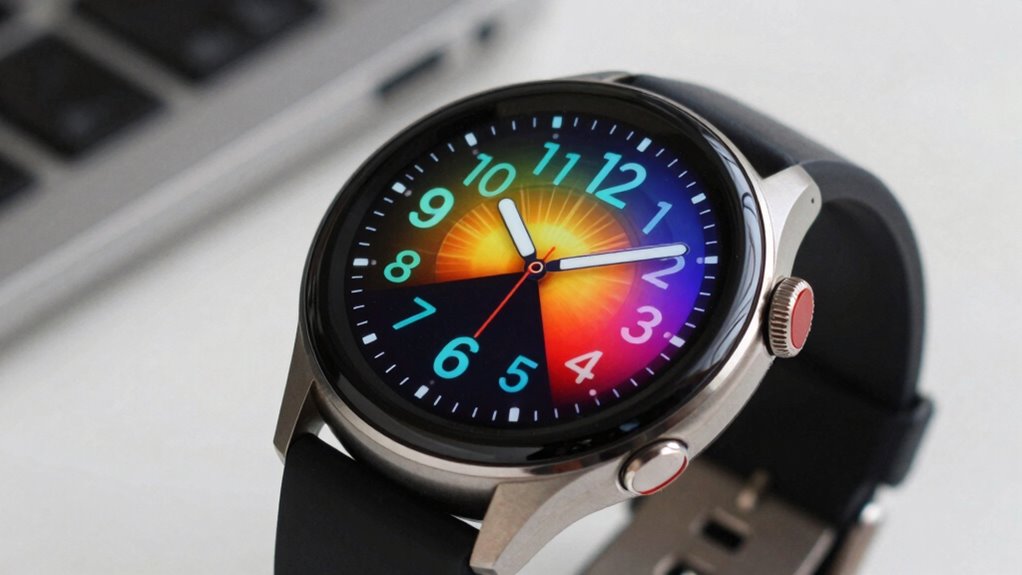
Have you ever wondered how a simple change in a watch face can transform both your style and everyday convenience? Customization is the key. With a variety of watch faces available across platforms like Wear OS, Tizen, and VEE Wear, users can easily tailor their devices to match their personality and needs. Wear OS compatibility ensures that these options are seamless, whether you prefer a minimal digital display or one with detailed complications.
Many watch faces, such as Awf Sport xR or Minimal Digital, offer multiple slots for customization, like swapping colors or adding shortcuts—making each device uniquely yours. Some provide fixed elements but allow additional tweaks through shortcuts and complications. Exploring these options helps users discover a look that suits their mood, activity, and personal flair.
2. Explore Popular Watch Face Designs That Match Different Moods and Activities
| Mood/Activity | Recommended Watch Face Design |
|---|---|
| Relaxing or casual | Pixel Fanboy, with dense layouts and dark mode options, suits a calm mood and offers easy customization. |
| Formal or professional | Analogue Watch Face CRC082, focusing on clean, classic aesthetics, perfect for work or special events. |
| Active or fitness-minded | Prime Home OS 2, with nine shortcuts and customizable complications, ideal for quick access during workouts. |
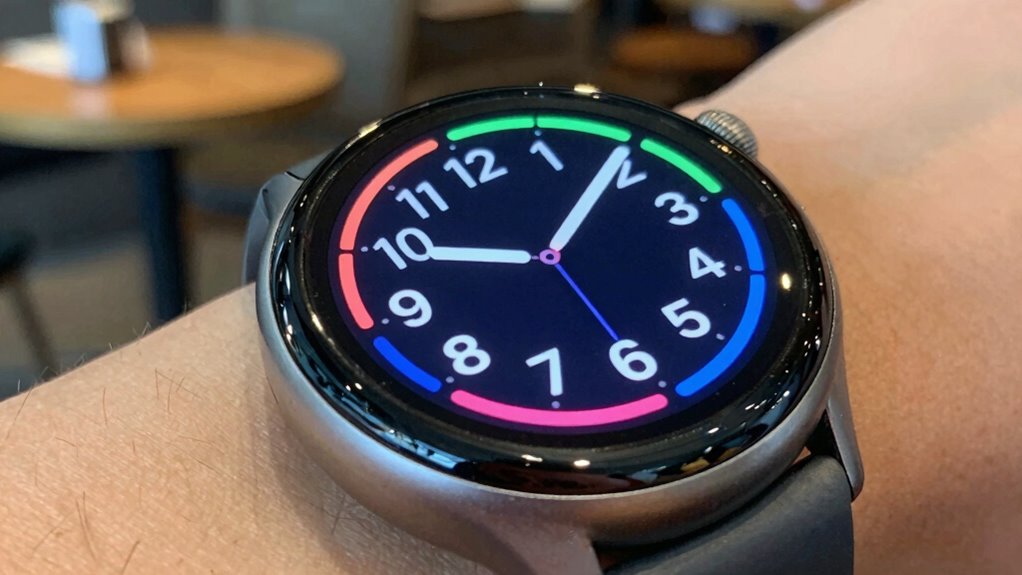
Ever wondered how different watch face designs can reflect your mood or suit your activity? Various watch faces offer unique styles that match your day-to-day needs. For example, Pixel Fanboy’s dark, dense layout is great for relaxed moments, while Prime Home OS 2’s customizable complications help with busy, active days. These options highlight the importance of customization, allowing users to add complications that show weather, fitness stats, or calendar events.
Whether you prefer minimalism or detailed displays, exploring the wide range of designs ensures your smartwatch always fits your mood and activity seamlessly.
3. Learn How to Personalize Your Watch Face With Colors, Complications, and Layouts
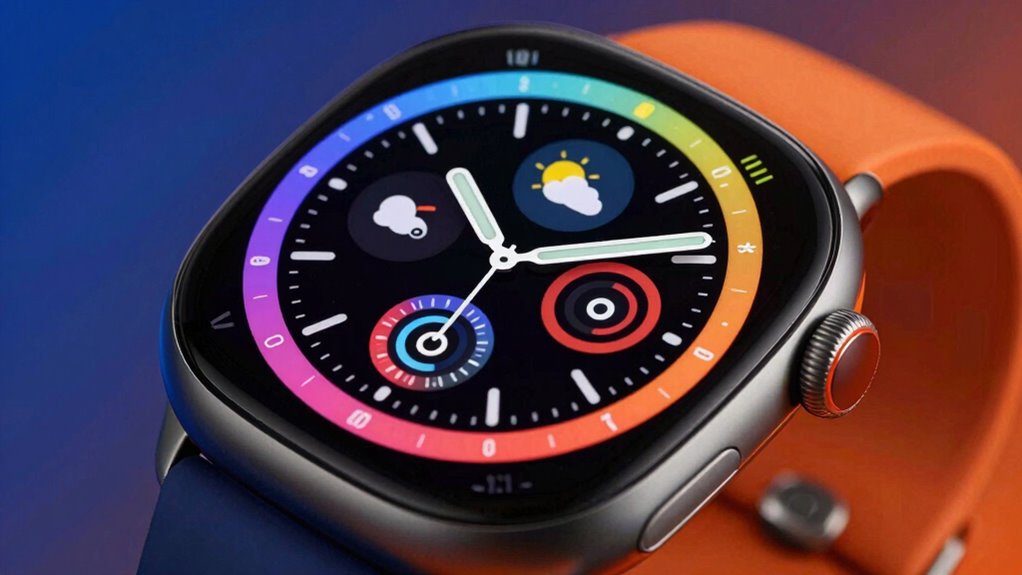
Personalizing a watch face allows users to create a look that truly matches their style and needs. With watch face customization, users can adjust features like colors, complications, and layouts for a unique experience. For example:
- Colors: Changing background or hand colors helps match the watch to an outfit or mood.
- Complications: Adding widgets like weather, calendar, or fitness stats provides quick access to important info.
- Layouts: Rearranging elements or choosing different arrangements creates a personalized display.
On the Galaxy Wearable app, users can download new watch faces or tweak existing ones easily. In-watch customization lets users change background colors or edit complications instantly. Whether through the app or directly on the watch, personalization makes every glance at the time a little more special.
4. Find Inspiration From Top-Rated Watch Faces for the Pixel Watch and Galaxy Watch
| Watch Face Style | Key Features |
|---|---|
| AmoledWatchFaces’ Awf Sport xR | Bright, vibrant colors with AMOLED screens, perfect for active lifestyles |
| Time Flies Watch Faces’ Nothing Fancy | Minimalist, sleek digital design for a clean look |
| Pixel Fanboy | Dense layouts with eight customizable slots for quick info access |
| Material Stack | Complex, layered pixel-inspired designs for a sophisticated appearance |
| Galaxy Watch Customization | Using the Galaxy Wearable app to change hand and background colors |
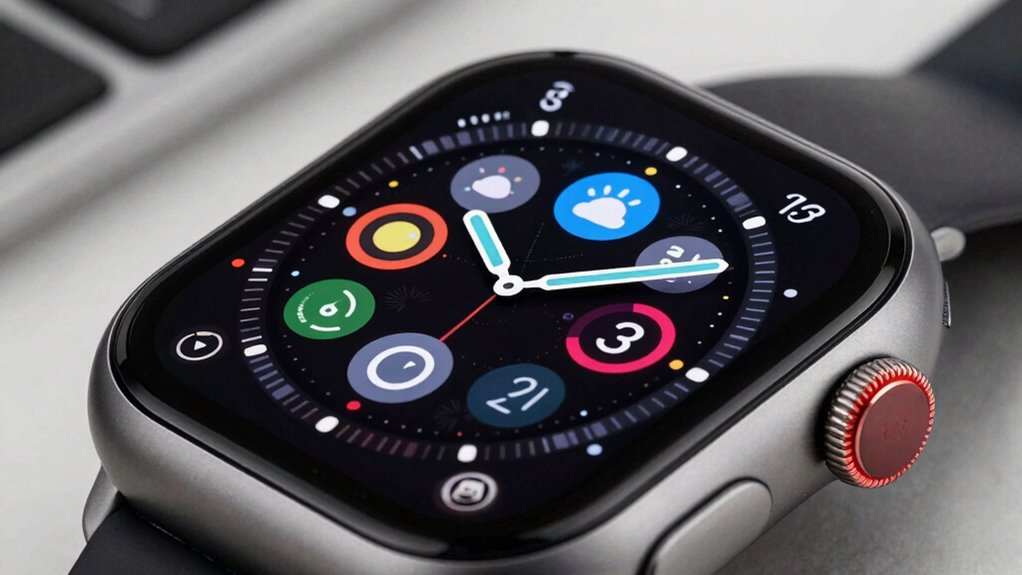
Ever wondered what the best watch faces look like for the Pixel Watch and Galaxy Watch? Top-rated options blend style and functionality, from AMOLED vibrant displays to minimalist digital faces. Pixel Watch fans enjoy dense layouts like Pixel Fanboy, while Galaxy Watch users appreciate in-watch customization.
Both ecosystems feature a mix of analog and digital styles, and many developers create collections with over 500,000 options. Whether you prefer a sleek, simple design or a complex, layered look, these watch faces inspire personalized, eye-catching wearables that reflect individual style.
5. Understand How to Use Watch Face Platforms Like Facer for Thousands of Free Options
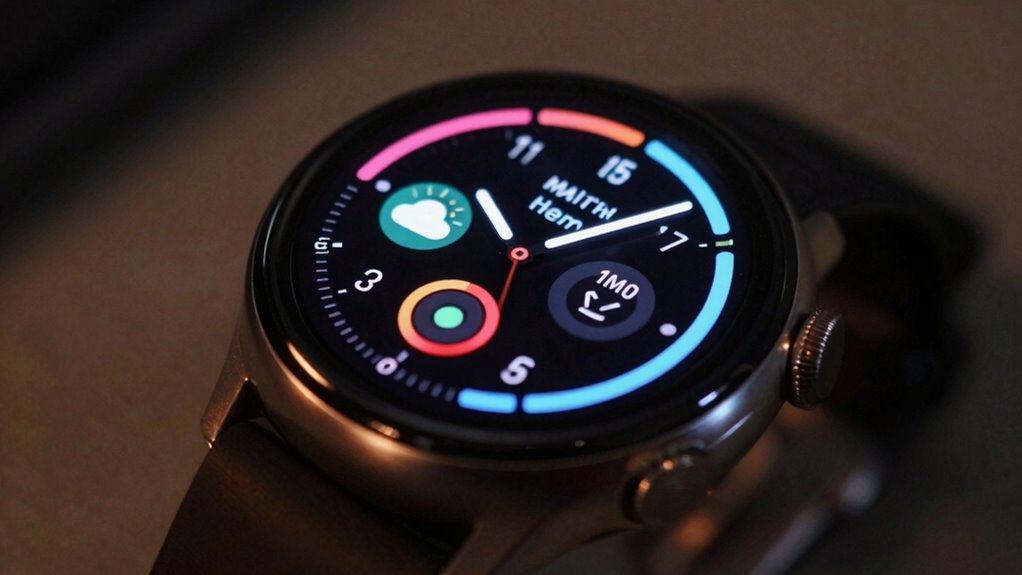
Have you ever wondered how to access a vast world of watch face options without digging through countless apps or websites? Platforms like Facer make it simple to explore thousands of free watch faces for any style or occasion. With Facer, users can browse a huge catalog that includes official faces from major brands and creative designs from a large community of developers. This platform supports multiple devices such as Wear OS, Apple Watch, and Samsung Tizen, ensuring broad compatibility.
To get started, users can:
- Explore the storefront to see all available watch faces.
- Use the search filters to find specific styles or features.
- Customize watch faces directly within the app for a personalized look.
This process highlights how Facer encourages personalization and offers endless options for watch face customization.
6. See How to Manage and Switch Between Multiple Watch Faces Seamlessly
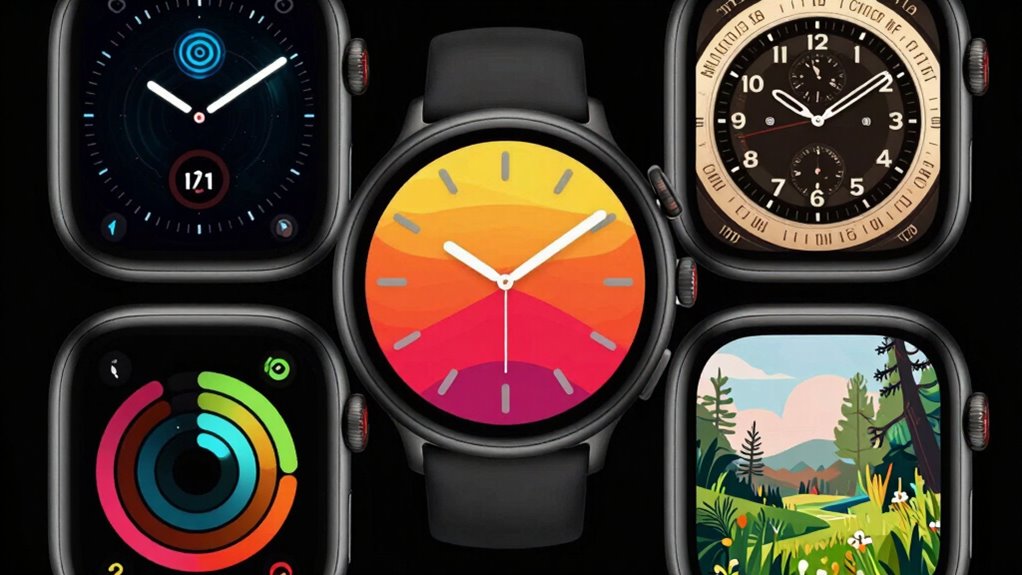
Managing and switching between multiple watch faces can be done smoothly, whether on a smartwatch or through companion apps. On Wear OS devices, users can easily download, customize, and switch watch faces via the Galaxy Wearable app or directly on the watch in Edit mode. Non-Wear OS Galaxy models also support seamless switching through similar steps, using the Galaxy Store or Gear Fit2 Pro paths. Customization options like hand and background colors make each watch face unique.
To switch seamlessly, users can set favorites or browse new options quickly. Here’s a quick overview:
| Step | Action | Result |
|---|---|---|
| Open app | Access watch face options | View available faces |
| Choose or customize | Pick or tweak a watch face | Personalized look |
| Save or apply | Confirm your selection | Seamless switch to new face |
This approach makes managing multiple watch faces simple and fun.
7. Get Tips for Creating Your Own Unique Watch Face to Reflect Your Personal Touch
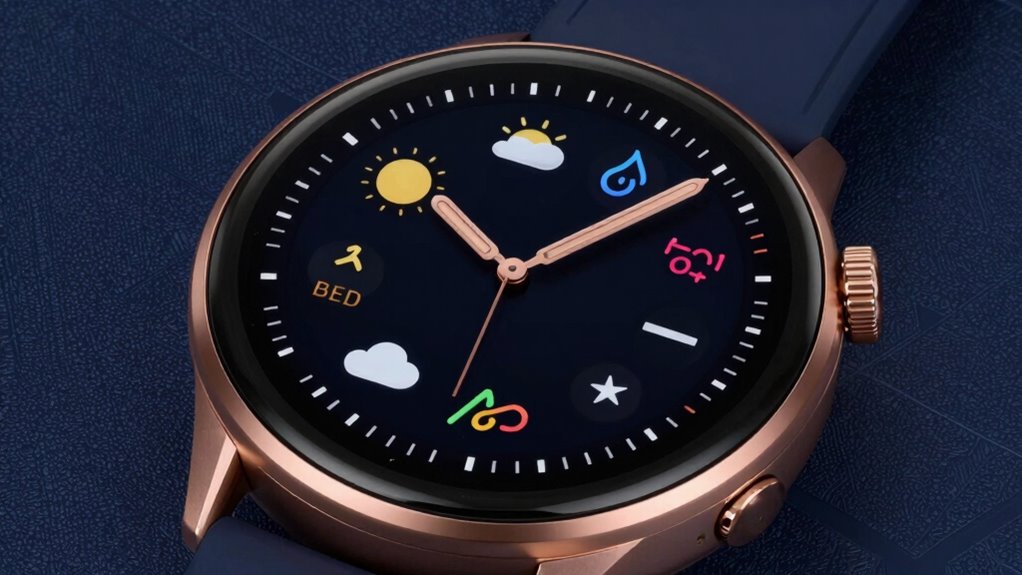
Ever wondered how to make your smartwatch truly your own? Customization of watch faces is a great way to reflect personal style. For Wear OS devices like Galaxy Watch models, you can start by browsing options in the Galaxy Wearable app, then download or buy new watch faces to suit your mood.
To add a personal touch, enter Edit mode directly on the watch. Select a face, and adjust features like background color or widgets for instant change. On Wear OS, the Wear OS app allows further customization, such as changing hand colors or backgrounds.
For non-Wear OS models, downloading via Galaxy Store or Gear Store is common, though some lack full editing options. Overall, creating unique watch faces involves exploring app options, customizing directly on the watch, and experimenting with colors and features.