
As an Amazon Associate, this website earns from qualifying purchases.
Choosing a fitness watch starts with understanding personal goals—like losing weight, building endurance, or tracking specific activities. Devices with GPS work well for running and cycling, while heart rate monitors gauge effort. Consider wearing styles: wristbands or smartwatches for comfort, chest straps for accuracy. Set up the watch by customizing activity goals and selecting workouts in the app. Adjust display settings for real-time data, and remember—there’s more to optimize your fitness journey if you look further.
How to Determine Which Fitness Tracker Fits Your Goals
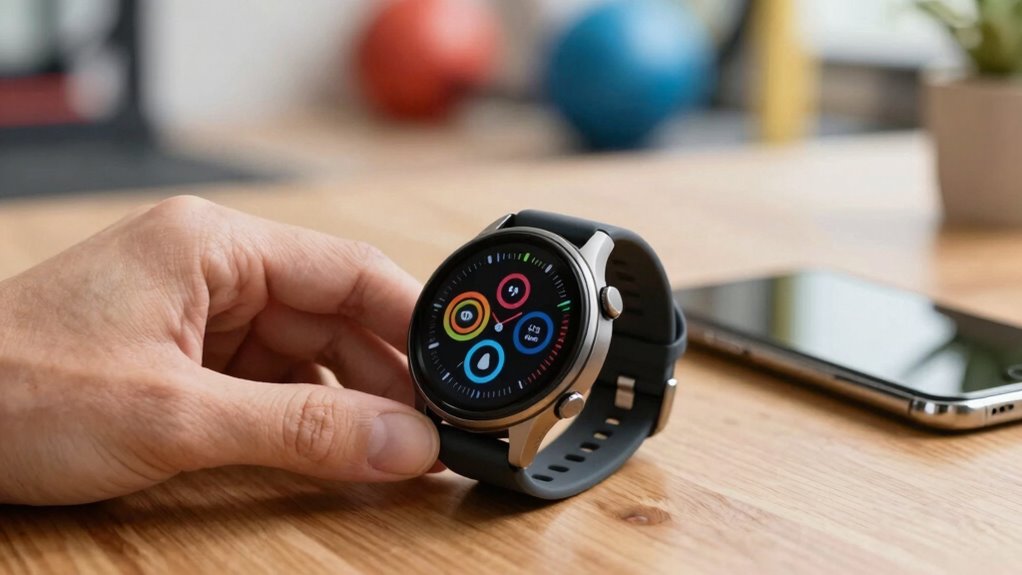
Have you ever wondered how to pick the perfect fitness tracker that truly matches your workout goals? The key is understanding what features align with your needs. For example, if you’re focused on running or cycling, GPS is essential for tracking distance and pace accurately. Heart rate monitoring helps gauge effort levels during cardio or strength training, providing real-time data for better results. Data analytics then come into play, showing progress over time through summaries and insights—motivating you to keep going.
Consider how you prefer to view this information—at-a-glance metrics during workouts or detailed post-session reports. By matching these features with your fitness goals, whether weight loss, endurance, or strength, you’ll find a device that truly supports your journey.
Key Features to Look for Based on Your Workout Needs
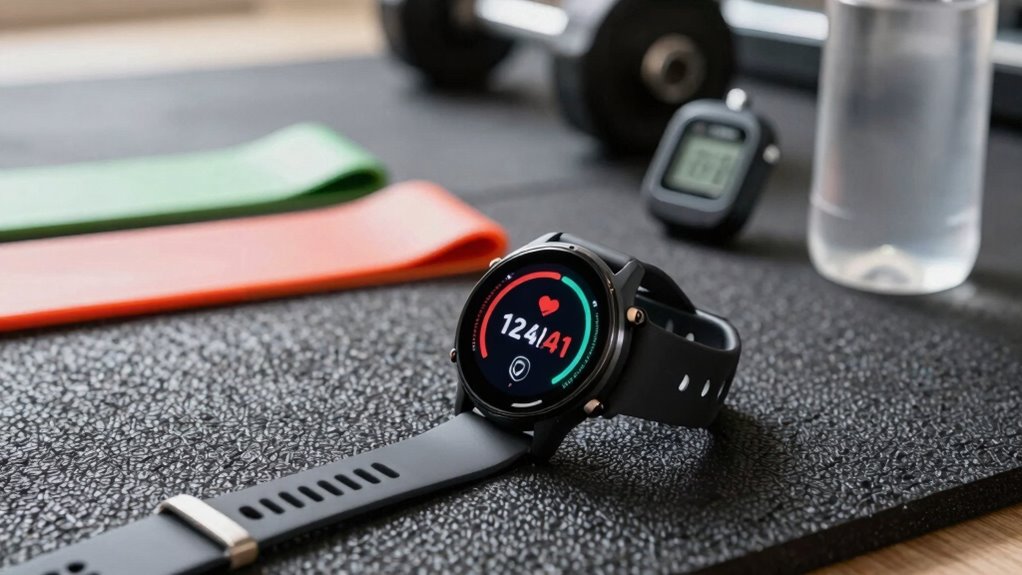
Choosing a fitness watch that matches workout needs means paying close attention to key features that support specific activities. A good fitness watch should track essential workout metrics like heart rate, distance, and calories burned, helping users see their progress toward activity goals.
For daily movement and general fitness, the Apple Watch provides goal summaries and alerts when targets are met, keeping motivation high. When starting a workout, users can select specific activities in the Workout app and customize the display to show preferred metrics at a glance. During exercise, raising the wrist reveals real-time data such as active calories and heart rate, making it easy to stay informed without interruption.
For outdoor cardio, GPS-enabled trackers can accurately measure distance and pace, aligning device capabilities with activity needs.
Choosing the Right Wearing Style for Comfort and Functionality
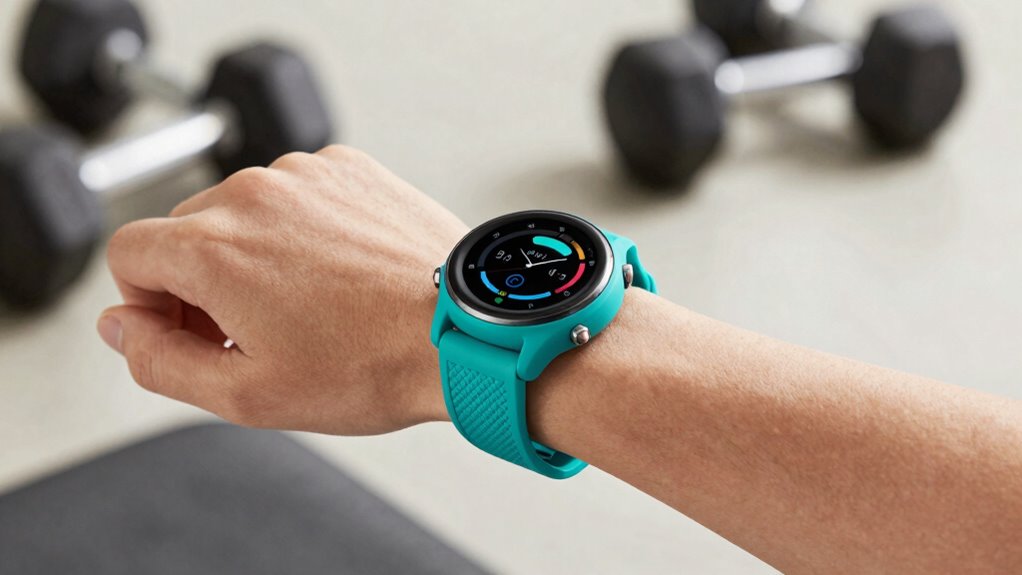
When it comes to selecting a fitness watch, the way it fits and feels on the wrist or body can make a big difference in daily comfort and long-term enjoyment. For those choosing a smart watch or fitness tracker, there are several wearable styles to consider. Rings are small and lightweight, perfect for minimal interference, while wristbands and smartwatches offer adjustable comfort and more features.
Chest straps provide precise heart rate data but may feel less comfortable for everyday wear. Beginners or budget-conscious users might prefer simple options like the Fitbit Charge 6, which emphasizes ease of use. Ultimately, choosing the right wearing style depends on personal comfort, the need for GPS or heart rate monitoring, and whether you want a sleek fitness accessory or a comprehensive smart watch for your fitness journey.
Setting Up Your Fitness Watch for Maximum Benefit
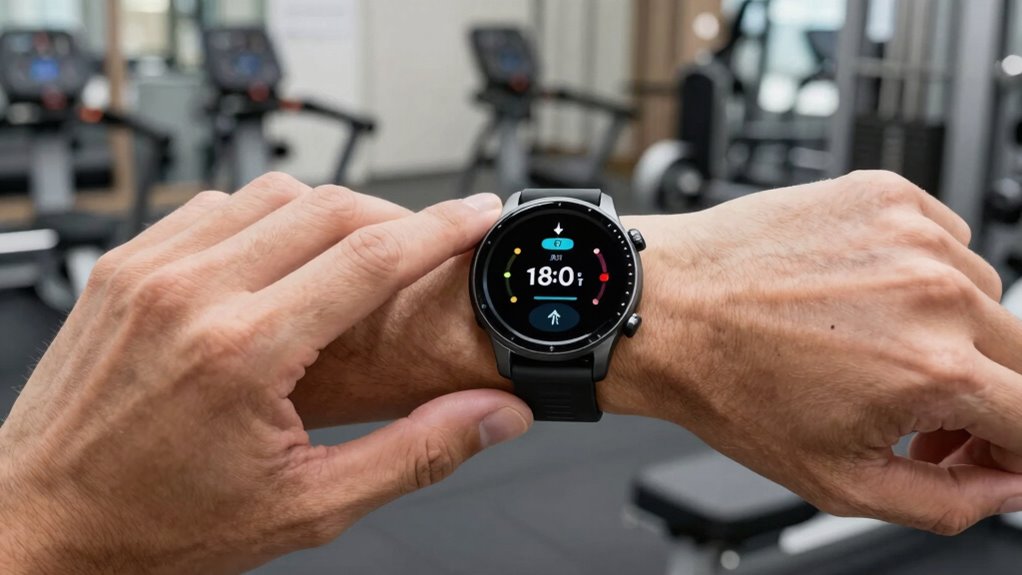
Setting up a fitness watch properly can make a big difference in how much you benefit from your workouts. To get the most out of your device, start by customizing your activity goals in the app, such as daily movement or exercise targets.
When beginning a workout, open the Workout app, select your preferred activity, and follow reminders to start if you forget.
During exercise, you can view real-time data like heart rate or distance by raising your wrist, and adjust the screens with the Digital Crown to see different metrics.
Remember, you can pause your activity rings for up to 90 days without losing progress, making flexibility easier.
Proper setup ensures your watch works seamlessly, keeping you motivated and on track toward your fitness goals.
Tips to Optimize Your Tracker’s Use and Track Progress Effectively
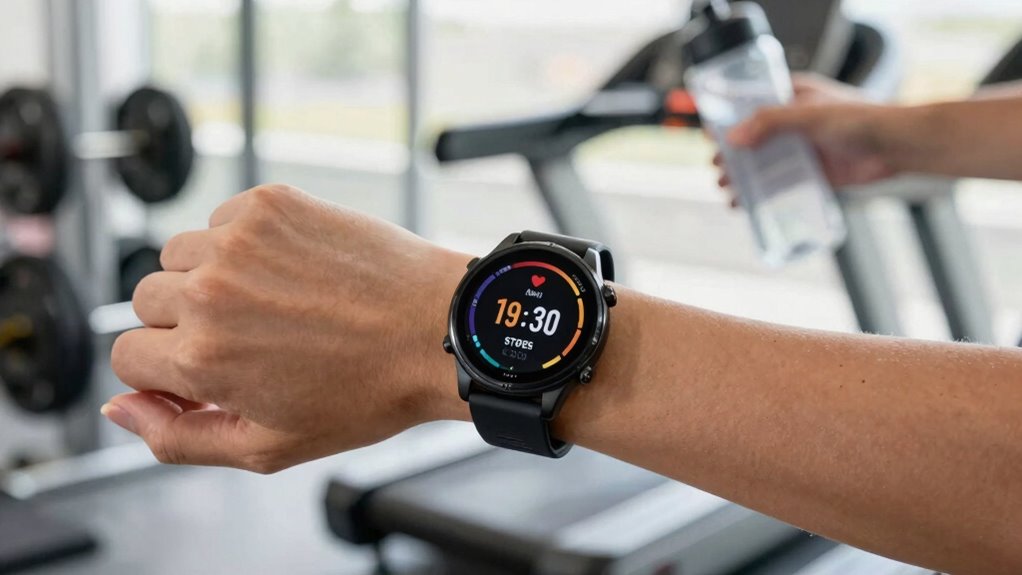
Getting the most out of a fitness tracker means more than just wearing it; it’s about actively using its features to monitor and improve progress. For example, the Activity app on the Apple Watch helps set daily goals and track steps and distance, with notifications when goals are reached.
Starting a workout is easy: just select your activity, like running or swimming, in the Workout app, and customize the display to show your favorite metrics. During exercise, you can glance at real-time data such as heart rate or calories burned by raising your wrist or turning the Digital Crown. If needed, you can pause your activity for up to 90 days without losing your streak, simply by selecting Pause Rings. These small steps make tracking more precise and motivating.