

When buying a new laptop, it’s important to start by identifying what’s most needed—gaming, work, or simple browsing—as this guides specs and price. Next, check hardware features like RAM (aim for at least 8 GB), storage type (preferably SSD), and processor quality. Consider the operating system that fits your devices and software, plus display size and resolution for clarity. Ports and build quality matter for longevity. For expert tips and smart choices, continue exploring these key points further.
1. How to Determine Your Main Use Case and Priorities
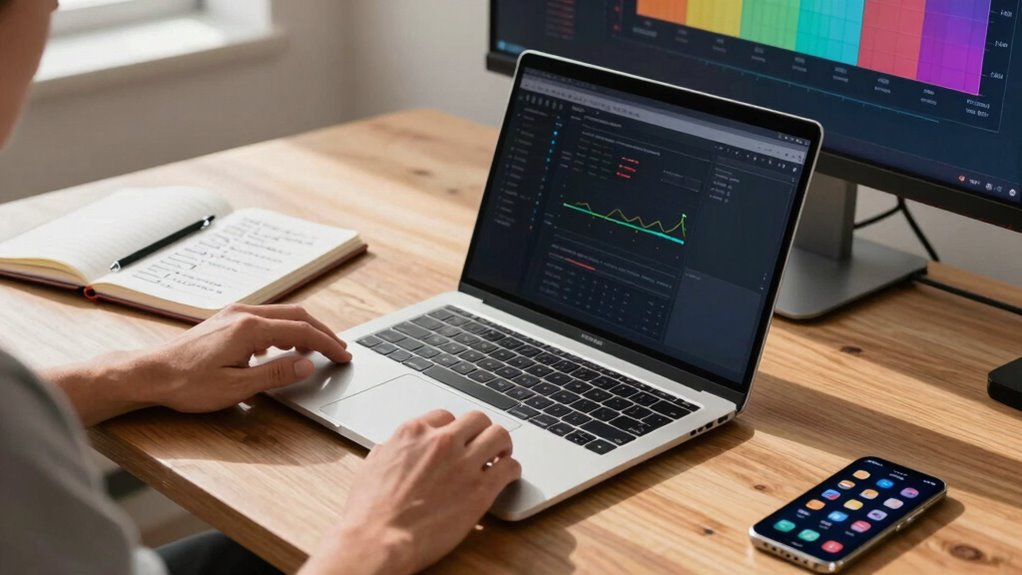
How can someone figure out what they really need in a new laptop? The key is understanding your main use case, whether it’s gaming, business tasks, video editing, or portability. Once you identify this, you can set your priorities and match them with the right specifications.
For example, a video editor needs more RAM and a powerful processor, while someone who only checks email and browses the web can get by with less. Your use case will guide decisions on essential specs like storage and processing power. Budget matters too: premium models start around $1,000, but budget-friendly options like Chromebooks are available.
2. What Hardware Features Matter Most for Your Needs
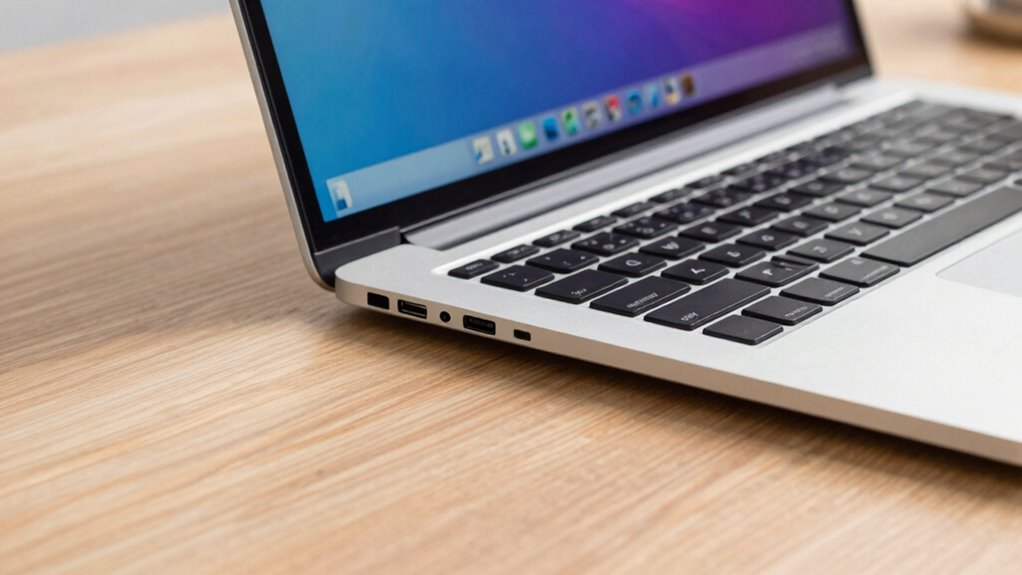
Choosing the right hardware features depends largely on what tasks the laptop will be expected to perform. For multitasking, 16 GB of RAM has become the standard since 2024, making 8 GB less suitable for many users. Meanwhile, 32 GB or more benefits gamers and content creators.
Storage-wise, SSDs are now the norm because they’re faster and more reliable. A minimum of 256 GB works if most files are stored in the cloud, but 512 GB to 1 TB is better for local files and applications. Processor performance also matters—look for higher-generation CPUs like Intel Core Ultra 7 or Ryzen 7 for efficiency and smooth multitasking.
For gaming or heavy video editing, a discrete GPU such as NVIDIA RTX 50-series can make a significant difference.
Recommended Products
3. How to Choose the Right Operating System and Ecosystem
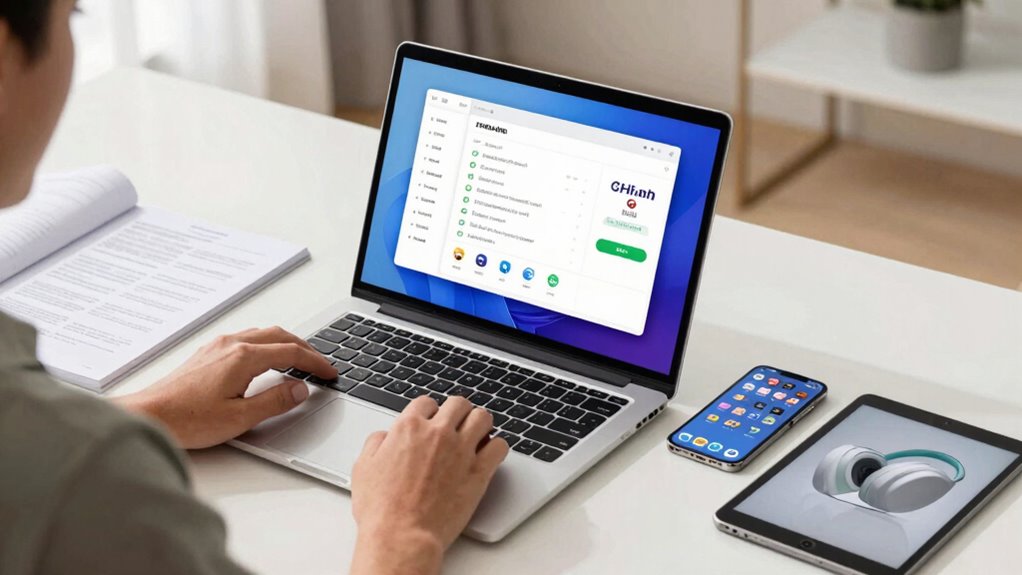
Deciding on the right operating system and ecosystem for a new laptop can feel like choosing a favorite flavor. Each offers its own unique experience, advantages, and quirks. For instance, macOS provides seamless integration if you already use Apple devices, while Windows offers a wide range of software and hardware compatibility.
Both systems have become more similar over time, so choosing one often depends on familiarity or specific software needs. Ecosystem compatibility is also key; consider app availability, driver support, and future-proofing options like RAM and storage upgrades. Alternatives like ChromeOS or Linux can work well for lighter tasks or open-source enthusiasts.
Ultimately, matching the OS and ecosystem to personal habits and software requirements helps ensure a smooth, enjoyable laptop experience.
4. Which Processor and Memory Configuration Will Perform Best
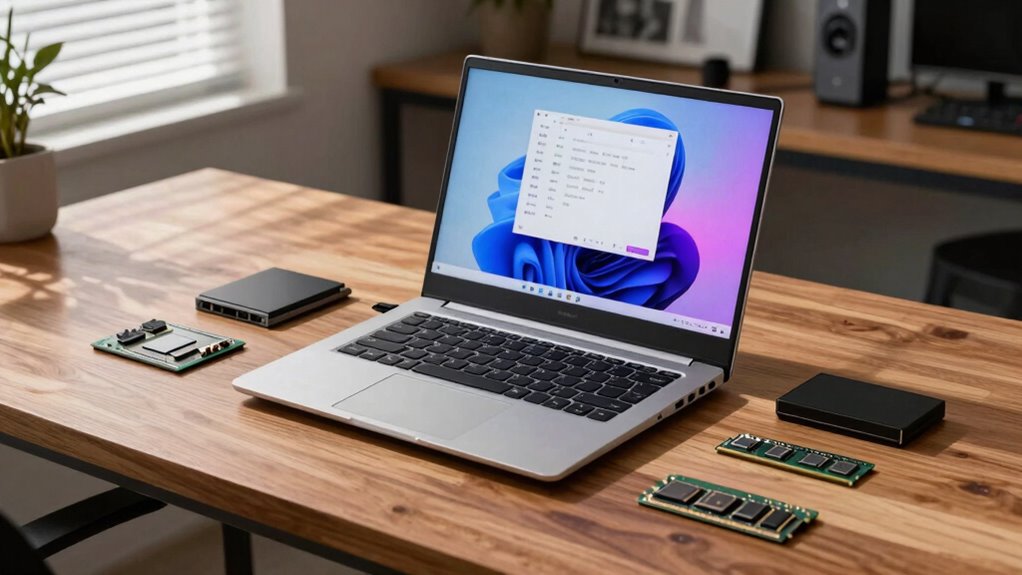
Have you ever wondered why some laptops handle multiple tasks smoothly while others lag behind? The secret lies in choosing the right processor and memory configuration. Processor compatibility is key: aim for the latest generation, like Gen 3 Intel or AMD Ryzen, for better efficiency and multitasking performance.
Think of memory as your laptop’s workspace. 8–16 GB is good for everyday tasks, but creators or heavy users should consider 16 GB or more, maybe even 32 GB. Imagine juggling several open tabs, apps, or programs without slowing down. Visualize a smooth flow between work, entertainment, and creative projects.
Picture a laptop that quickly switches between demanding tasks. Consider how a balanced CPU family matches your main use. Envision faster load times thanks to SSD storage, complementing a strong processor.
Recommended Products
HP 17 inch Business Laptop Computer • 2026 Edition • Latest AMD Ryzen 5 CPU • 16GB RAM • 512GB SSD • 17.3" FHD Display • Numeric Keypad • Long Battery Life • Windows 11 with Office 365 for The Web
Check each seller's condition and delivery.
5. What Storage and Display Options Should You Consider
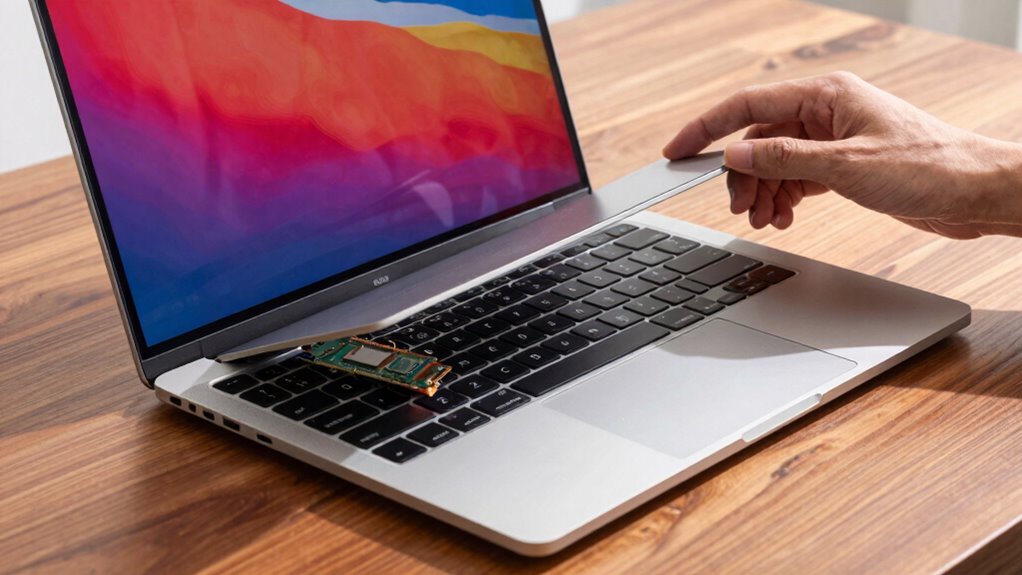
When it comes to storage and display options, these choices can notably influence how well a laptop fits personal needs and preferences.
SSD3s, or solid-state drives, are now the standard, offering faster speeds and greater reliability than traditional HDDs. However, they tend to cost more per gigabyte. For light use, 256 GB might suffice, but heavier users should consider 512 GB or more.
As for display options, the resolution matters. HD, FHD, QHD, and 4K screens each provide different levels of sharpness—ideal for photo editing or streaming. Screen size also plays a role; smaller sizes like 13 inches boost portability, while larger screens around 15 or 17 inches improve viewing comfort and productivity.
Balancing display quality and storage capacity helps ensure the laptop suits personal work and entertainment needs.
6. Which Ports, Webcams, and Build Quality Ensure Longevity
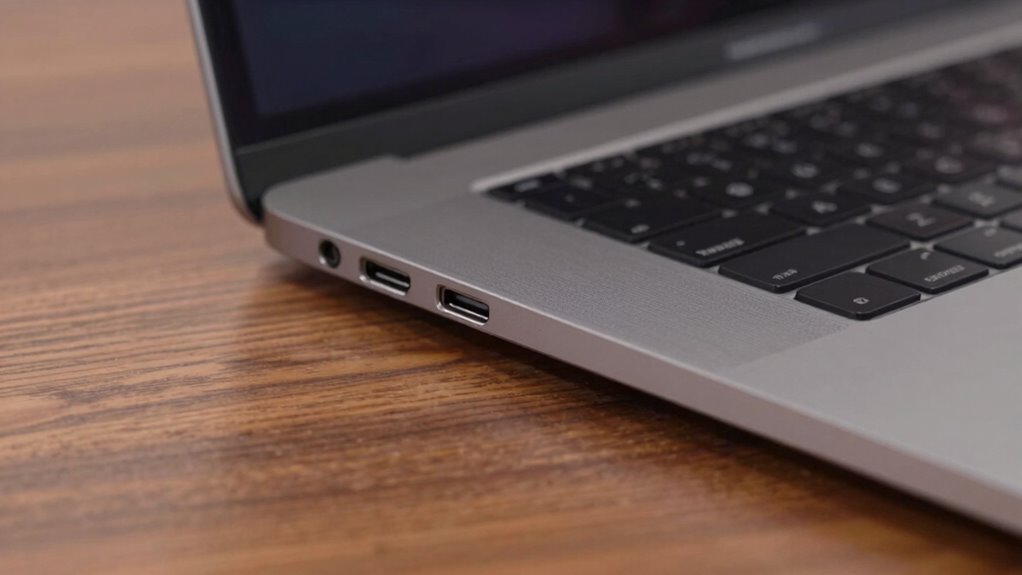
What makes a laptop truly durable and long-lasting often comes down to its ports, build quality, and security features. The right laptop ports—such as HDMI for easy display connections and USB-A or USB-C for accessories—are essential for productivity and convenience. Webcams with good webcam quality ensure clear video calls, and features like a physical webcam cover add privacy.
Build durability depends on sturdy hinges and reliable chassis materials that can withstand daily wear and tear. Imagine sleek, metal chassis and reinforced hinges that open smoothly without creaking. Visualize multiple ports, including USB 3.0, for speedy data transfer. Picture a webcam with sharp resolution, perfect for video calls.
Think of a laptop with a robust, well-built exterior that resists scratches. Consider security features like a Kensington slot for theft prevention.
7. Where to Find the Best Deals and Make a Smart Purchase

Finding the best deals on laptops often feels like traveling through a busy marketplace, where prices and options can change rapidly. To make a smart purchase, it’s important to compare laptop deals across different budget tiers—under $1,000, around $1,000 premium, and above $1,000—while considering recent specs like the latest processors and memory upgrades.
Budget-friendly Chromebooks are great for efficiency and affordability. However, premium options like MacBooks and Windows laptops often offer better performance, especially with flagship and Plus configurations. Checking for current pricing and availability of models with advanced CPUs—such as Intel Core i7 or AMD Ryzen 7—can help you find the best value.
Additionally, verify warranties, return policies, and authorized sellers to ensure legitimate pricing and reliable post-purchase support.
Recommended Products
15.6 inch Laptop Intel Core i7-6500U 16GB RAM 512GB SSD Grey
Check each seller's condition and delivery.