
Signs of phone tracking include sudden battery drain, unfamiliar apps, or strange data spikes, which suggest hidden monitoring. Devices may also freeze unexpectedly or show odd messages. To check, look for unknown applications, review app permissions, or use built-in indicators like green or orange dots on iPhones. Resetting the device or running security scans can help stop tracking. If suspicions persist, exploring advanced tools or professional help can ensure privacy—there’s more to uncover if you continue below.
How Do You Know If Your Phone Is Being Tracked?
Ever wonder if someone might be secretly watching your phone? Signs of tracking include unusual battery drain, which happens when spyware runs constantly in the background. You might also notice unfamiliar or recently installed apps, especially those requesting excessive permissions like access to your camera or microphone.
Sudden spikes in data usage can signal a phone tracker transmitting your information. For iPhone users, green or orange dots indicating camera or microphone use are clues; Android users can check Battery Usage for unfamiliar power drains. To confirm suspicions, perform a permissions audit—review app permissions and revoke unnecessary access.
Turning off location services for suspicious apps and running a trusted anti-spyware scan are smart steps to stop hidden monitoring and protect your privacy.
Common Signs That Indicate Your Phone May Be Monitored
How can someone tell if their phone is being monitored? Signs include unusual battery drain, especially when not in use, which may mean a background app like a cell phone tracker is running. You might also notice unexplained or new apps appearing on your device, possibly indicating spyware or a GPS tracker with a phone app installed without permission.
Additionally, if your data usage suddenly spikes without changing your habits, it could be a sign of covert data transmission. Strange phone activity—such as frequent freezes, crashes, or odd messages—can also hint at malware or spyware. Keep an eye out for these clues, as they often point to monitoring tools like an app to track phone location.
Recognizing these signs helps protect your privacy before it’s too late.
Check for Unusual Battery Drain and Device Performance
Have you ever noticed your phone’s battery draining faster than usual? This could be a sign of something hidden, like spyware or background apps running without your knowledge. To check, look at the settings to see which apps consume the most battery. If unknown apps are taking up power, that’s a red flag.
Also, if your phone suddenly slows down, freezes, or crashes more often, malicious software may be taxing its resources. To investigate, compare your battery life with reliable guides or benchmarks. Additionally, regularly clearing cache and deleting unnecessary files can help spot performance issues that aren’t related to tracking but could still be suspicious.
| Battery Drain Signs | Performance Clues |
|---|---|
| Rapid battery loss | Phone freezes or crashes |
| Unfamiliar apps using power | Slow app responses |
| Battery drains without heavy use | Apps crashing unexpectedly |
| Hidden background activities | Device feels sluggish |
Recommended Products
Look for Unfamiliar Apps and Suspicious Permissions
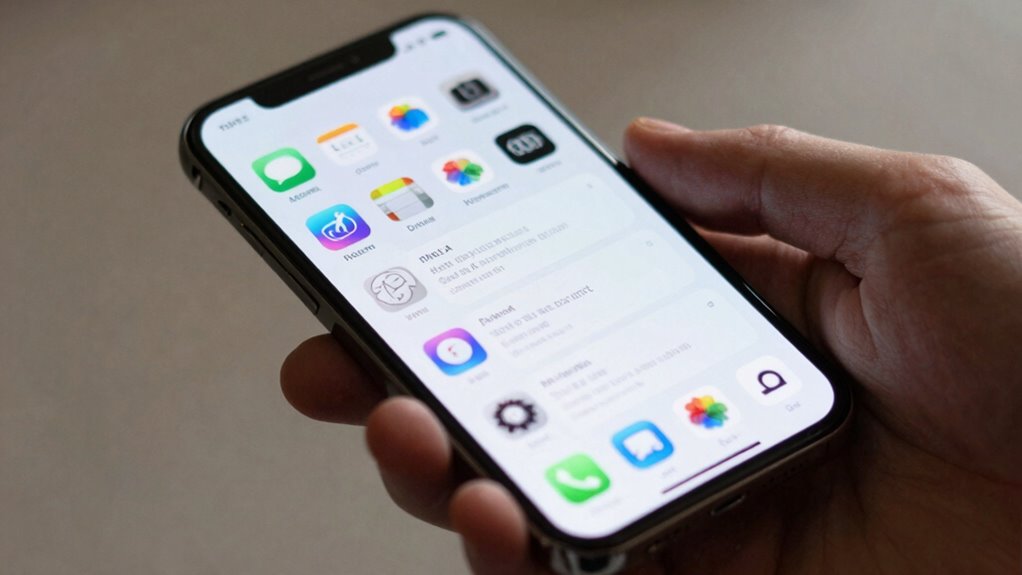
Unfamiliar apps popping up on a smartphone can be more than just odd, they might signal that someone has secretly installed spyware or tracking software. These hidden apps can quietly gather your data without permission. Additionally, apps requesting unnecessary permissions, like a calculator asking for camera or microphone access, are warning signs. They could be used to listen in or watch without your knowledge.
Old or unknown apps appearing alongside familiar ones may also suggest a stealthy tracker working in the background. To stay safe, regularly review your app permissions and remove anything suspicious. Look for apps you didn’t install or don’t recognize. Check app permissions and revoke unnecessary access. Delete unused or suspicious apps to limit monitoring chances.
Recommended Products
Home Security Spy Camera 1080P Smoke Detector Hidden Camera WiFi Wireless
Check each seller's condition and delivery.
Monitor Data Usage for Unexpected Spikes
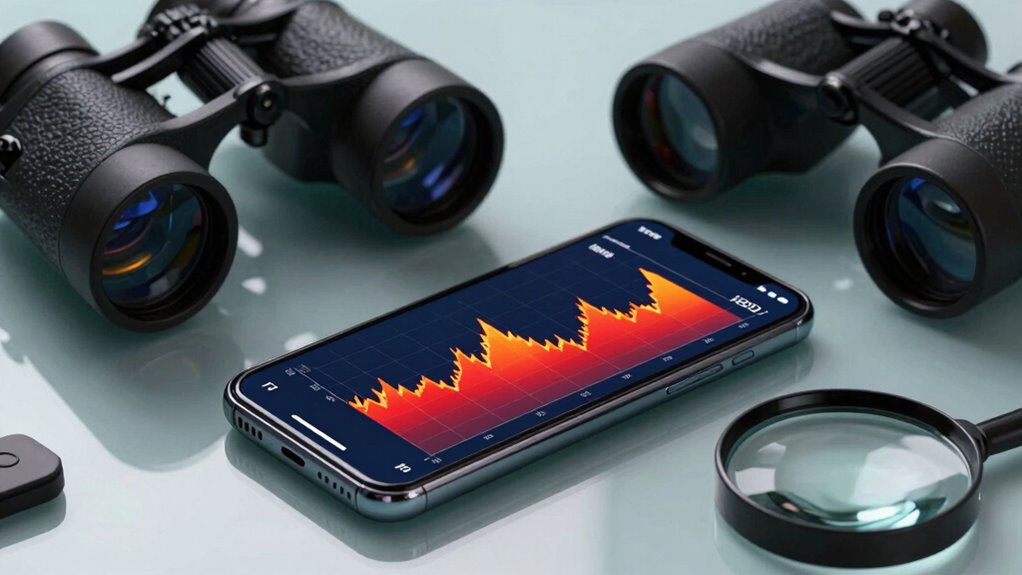
Ever wonder if your phone is secretly sending data somewhere without your knowledge? A sudden spike in data usage, especially when your habits haven’t changed, can be a red flag. Background spyware or trackers might be silently transmitting information, or malware could be communicating with a remote server. To check, look at your mobile data usage in Settings—most phones let you see which apps are using the most data. Comparing current usage to previous periods can reveal unusual activity.
Using in-device data monitors or third-party tools like firewalls or VPNs helps observe real-time data transfers, allowing you to block suspicious apps. If spikes continue even after removing questionable apps or adjusting permissions, it’s wise to run a full device scan or consider a factory reset for added security.
Recommended Products
Emporia Vue 3 Home Energy Monitor - Smart Home Automation Module and Real Time Electricity Usage Monitor
Check each seller's condition and delivery.
Identify Indicators of Phone Activity and Privacy Indicators
Recognizing signs that your phone might be under surveillance involves paying close attention to both visual cues and unusual behavior. For example, privacy indicators like a green camera or microphone icon on an iPhone, or unexpected location arrows on Android, can signal monitoring. You should also watch for unknown or recently installed apps requesting unnecessary permissions, such as a reminder app asking for camera access.
Strange pop-ups, redirected websites, or unexplained data spikes could point to background malware or tracking software. Additionally, if your device heats up, drains battery quickly, or slows down without reason, these might be signs of spyware running behind the scenes.
- Unexpected icons or alerts in the status bar
- Apps asking for permissions they shouldn’t need
- Sudden battery drain or device overheating
How to Use Built-In Tools to Detect Tracking on iPhone and Android
Have you ever wondered if your phone is secretly being watched? Both iPhones and Androids have built-in tools that can help you spot suspicious activity. On an iPhone, look for the orange dot (microphone in use) or the green dot (camera in use) in the status bar; these indicate active recording or camera use. Additionally, Apple’s Find My app can alert you if an AirTag tracker is nearby without your knowledge.
On Android, you can review Battery Usage in Settings—unfamiliar apps draining power might be spying. Also, checking app permissions under Settings > Privacy or Location helps identify apps with unnecessary access. Regularly auditing these features can provide peace of mind and help you stay aware of what’s happening on your device.
Practical Steps to Stop Phone Tracking and Protect Your Privacy
Wondering how to stop someone from tracking your phone? The good news is there are practical steps you can take to protect your privacy. First, turn off location services for apps you don’t use often and review app permissions regularly to ensure no app is secretly tracking you. Using a VPN and private browser can also help reduce online tracking, especially on public Wi-Fi.
Next, check your device for unknown or suspicious apps—uninstall anything unfamiliar or that seems unnecessary. Disabling Bluetooth when not needed cuts down on nearby device tracking. In risky environments, enabling Airplane Mode can keep your phone from communicating with others. If issues persist, performing a factory reset after backing up data can remove spyware and give you a fresh start.
Preventive Measures to Keep Your Phone Secure From Tracking
What simple steps can someone take right now to make sure their phone isn’t giving away more than they want? First, turn off Location Services for apps that don’t need it. On iPhones, go to Settings > Privacy & Security > Location Services; on Android, find Settings > Location.
Next, use a VPN. This encrypts your internet traffic and blocks trackers, especially on public Wi-Fi. Enable Airplane Mode briefly in crowded places to pause all wireless signals, then turn services back on when safe. Regularly review app permissions, denying unnecessary access like Camera or Microphone, and delete apps you no longer use.
Lastly, run anti-spyware scans to catch any hidden threats.
When to Seek Professional Help for Phone Tracking Concerns
Sometimes, despite taking all the right precautions, signs of unwanted tracking can still appear on a phone. If basic checks don’t reveal the problem, it’s time to contemplate professional help. You should seek expert assistance if you notice persistent issues like unexplained data usage, strange apps, or sudden battery drain.
When you suspect sophisticated spyware or remote access tools that you can’t remove yourself, consulting a cybersecurity expert or mobile forensics specialist is wise. Additionally, if your location or account access seems out of control, professionals can run thorough malware scans and verify your device’s health.
- Unusual activity that persists after resets
- Suspicion of advanced spyware or remote access tools
- Signs of possible account or data breaches