

Upgrading a laptop setup begins with setting clear aesthetic goals, choosing a theme like sleek minimalism or Macbook-inspired style. Select cohesive color schemes, organize icons, and customize wallpapers to match themes and mood. Personalize hardware with skins, stickers, or unique cursor designs, and choose a keyboard and lighting that fit the overall look. Adding ambient LED strips creates a cozy atmosphere and enhances focus. With these steps, a balanced, stylish workstation emerges—learn more to craft a truly personalized space.
1. Define Your Aesthetic Goals for a Cohesive Laptop Setup
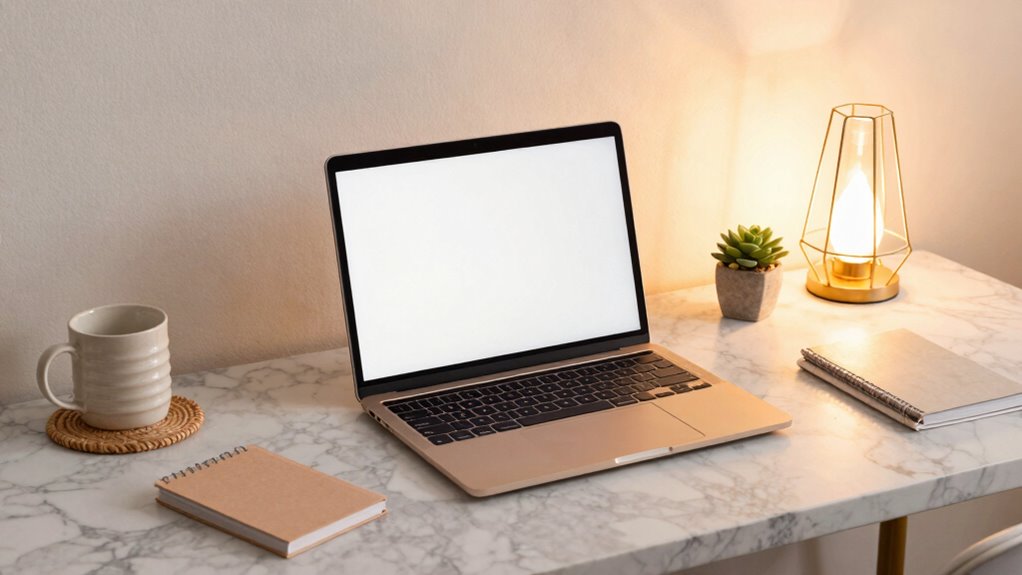
Have you ever wondered how some people manage to make their laptop setups look effortlessly stylish and cohesive? It all begins with defining clear laptop aesthetic goals. Choosing a theme, like a sleek modern minimal or a shiny Macbook-inspired setup, helps guide your choices in color palettes, materials, and textures. A cohesive color scheme—using two or three main tones—ensures everything from wallpaper to desk accessories matches perfectly. This consistency creates a harmonious look that feels intentional.
Additionally, establishing a visual hierarchy by keeping backgrounds clean and icons organized minimizes clutter. Lighting, whether via ambient LED strips or natural light, should complement your theme, enhancing focus. Finally, matching peripherals like keyboards, mice, and stickers reinforces your overall aesthetic, making your workspace both inspiring and visually unified.
2. Choose the Perfect Background and Wallpaper to Reflect Your Style
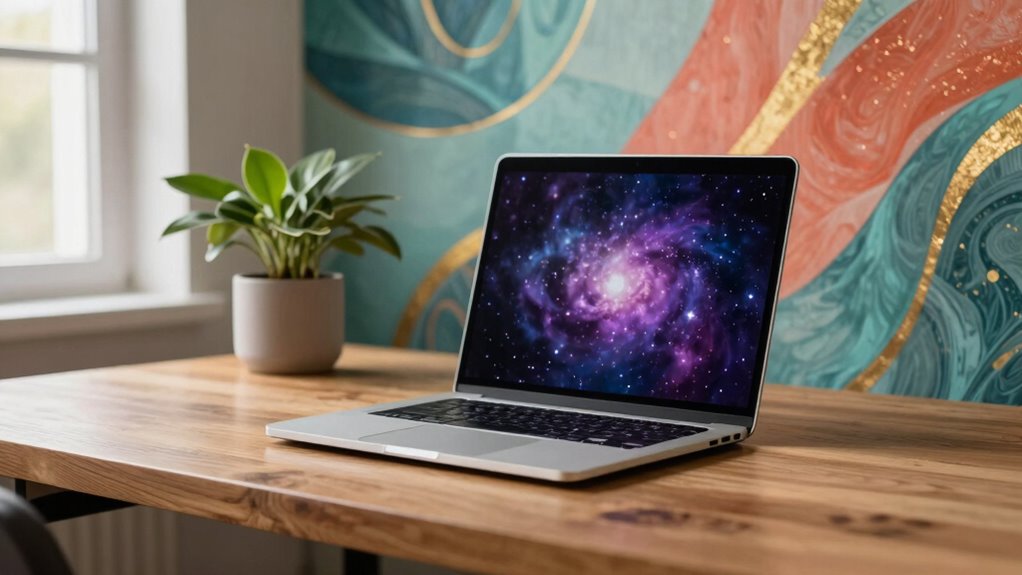
Choosing the right background or wallpaper is a simple yet powerful way to showcase personal style and set the mood for daily tasks. A well-chosen laptop wallpaper can turn a plain screen into a reflection of personality. An aesthetic background, whether a beautiful photograph, abstract pattern, or digital art, helps create a cohesive look. Mood-based wallpaper is also useful; bright, energetic images work well in the morning, while darker, low-contrast wallpapers promote focus late at night.
High-resolution images, at least 1920×1080, ensure clarity on modern displays. Personal photos from travels or memorable moments add motivation, while calming colors and minimalist textures reduce visual fatigue. By customizing wallpapers for different times or tasks, users can make their setup both inspiring and practical.
3. Customize Icons, Folders, and Widgets for a Clean, Organized Look
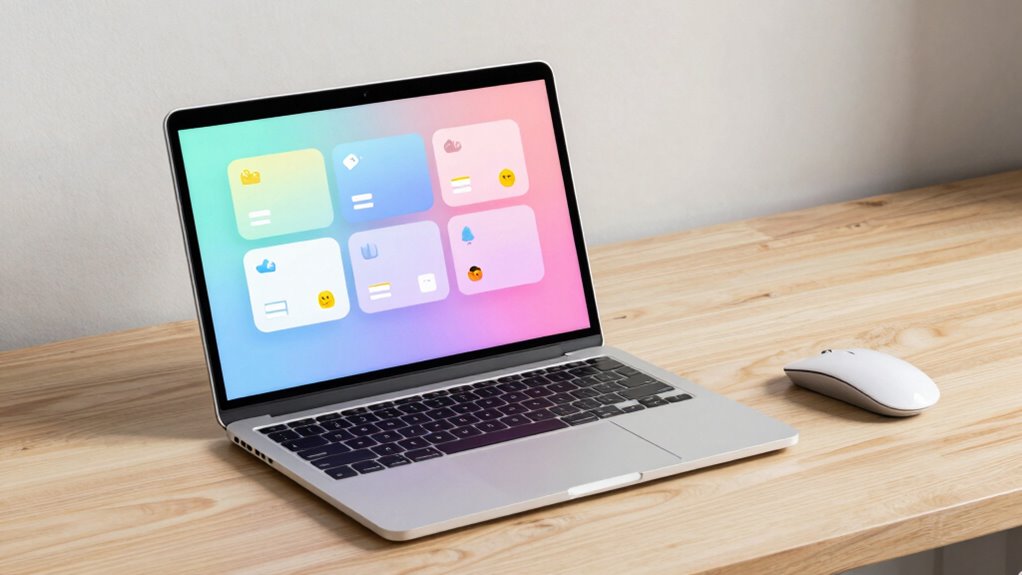
Ever wondered how to make your digital workspace look sleek and put-together? Custom icons are a simple way to do this. Replacing default icons with themed packs creates a cohesive visual language across your desktop. You can find online resources offering icon sets in styles like minimalist, neon, or monochrome—matching your aesthetic makes everything look polished. For frequently used apps, creating custom icons personalizes your setup and streamlines access.
Organized folders are essential too; categorizing and color-coding them keeps your desktop clean and distraction-free. Adding stylish widgets, like a clock or weather, enhances functionality without clutter. When chosen carefully, these small details transform your workspace into a visually appealing, highly functional environment.
4. Personalize Your Hardware With Skins, Stickers, and Cursor Designs
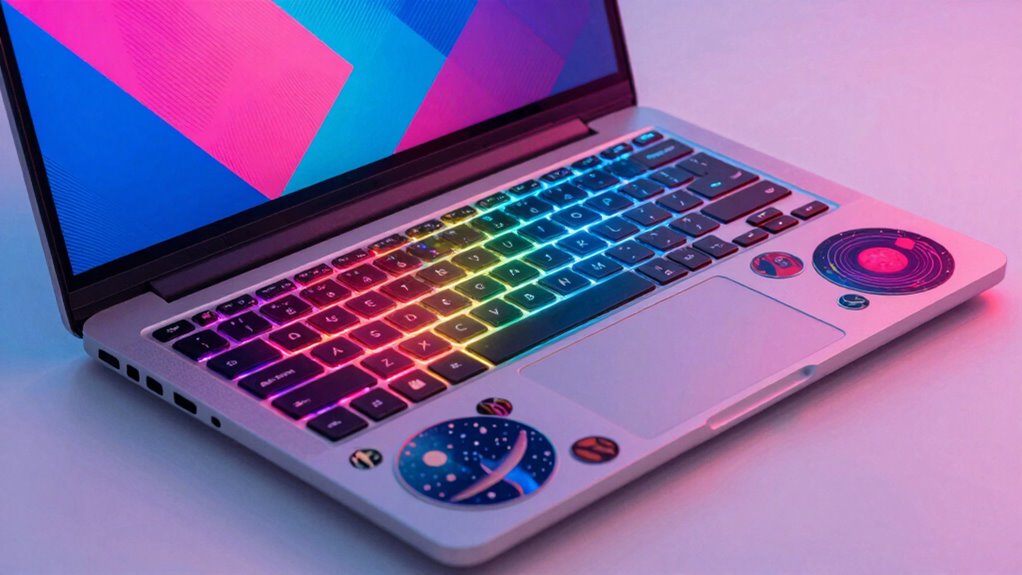
Personalizing the physical aspects of a laptop can be just as fun as customizing your digital workspace. Laptop skins are a popular choice, offering protection and style with options like matte finishes, vibrant prints, or textured surfaces. Stickers are a great way to showcase hobbies or interests, whether they feature favorite bands, logos, or motivational quotes. For example, a sticker with a quote can inspire during study sessions.
Cursor designs can also be customized, changing colors, sizes, or styles through Windows settings, making navigation feel more personal. To enhance your setup, consider these options:
- Apply a unique laptop skin to protect and style your device
- Decorate with stickers that reflect your personality
- Adjust cursor designs for a cohesive look that matches your theme
Recommended Products
MOSISO Compatible with MacBook Neo Case 13 inch 2026 A3404 A18 Pro Chip
Check each seller's condition and delivery.
MOSISO Compatible with MacBook Neo Case 13 inch 2026 Release Model A3404
Check each seller's condition and delivery.
MightySkins Gaming Skin for PS5 / PlayStation 5 Bundle - Evil Clown
Check each seller's condition and delivery.
5. Select a Keyboard and Lighting Options to Match Your Theme
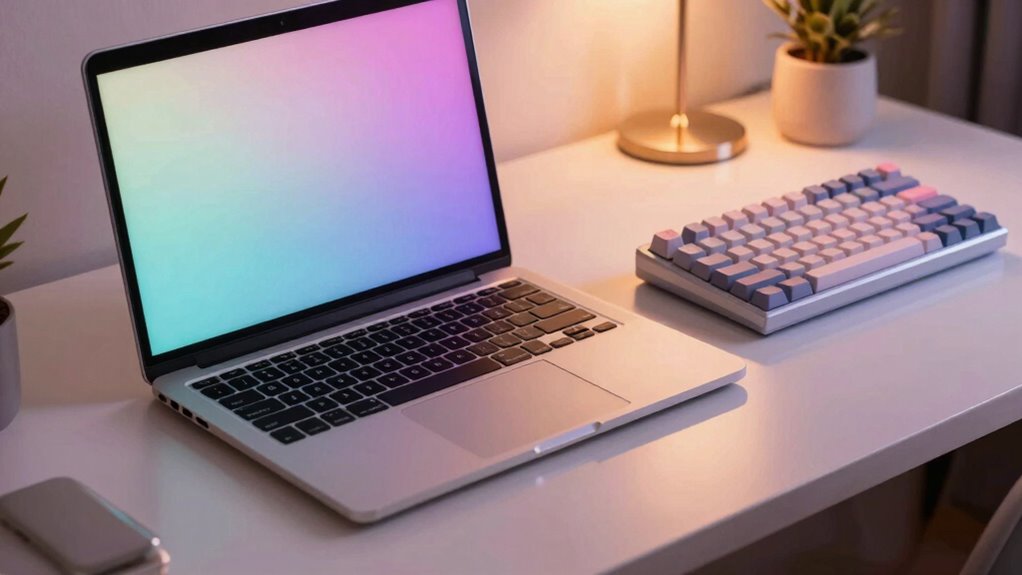
Have you ever noticed how a keyboard can set the entire tone of your setup? Choosing the right keyboard and lighting can instantly elevate your aesthetic. Selecting a keyboard in a matching color—like black, white, or sapphire—creates harmony. Keycaps or PBT options add durability and a polished look.
For lighting, RGB or single-color backlights with adjustable brightness help match your room’s mood and icons. Consider layouts like tenkeyless or compact 60% to save space without sacrificing style. Using under-keyboard LED strips or desk-edge LEDs enhances ambiance and reduces eye strain. Syncing lighting with software ensures consistency across peripherals.
| Keyboard Style | Lighting Choice |
|---|---|
| Compact 60% | RGB with effects |
| Tenkeyless | Single-color backlight |
| Custom keycaps | Brightness control |
| Matching color | Ambient LED accents |
Recommended Products
Redragon Wired Mechanical Gaming Keyboard with RGB Backlit
Check each seller's condition and delivery.
Redragon K521 Upgrade Rainbow LED Gaming Keyboard
Check each seller's condition and delivery.
2 Pcs RGB Mechanical Keyboard Switch Keychain with Clicky Blue Switches
Check each seller's condition and delivery.
6. Incorporate Ambient Lighting and LED Strips for Atmosphere
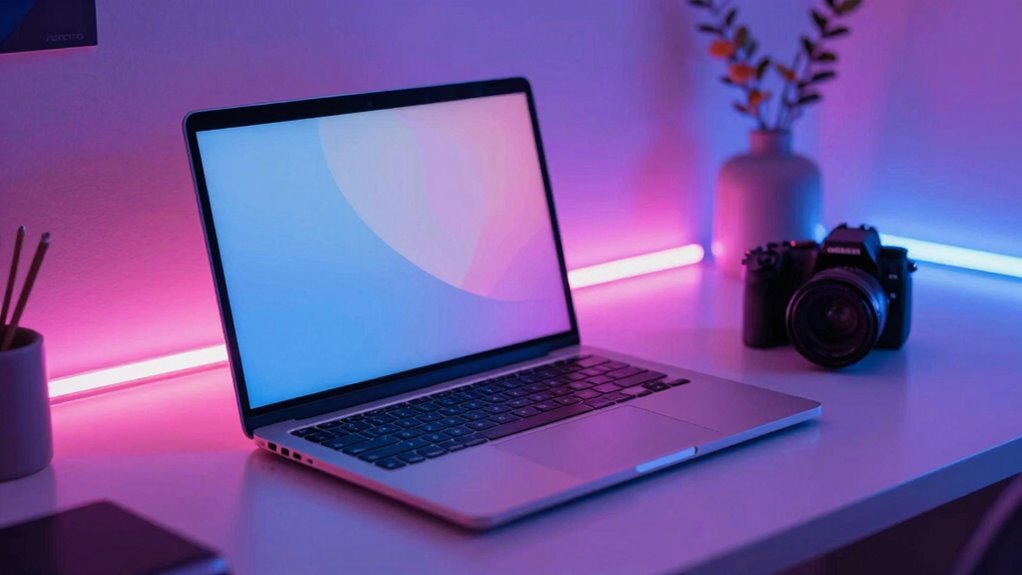
Would you believe that simple LED strips can transform the entire feel of a workspace? These versatile lights enhance ambient lighting, creating a cozy, inviting desk aesthetic. Placed behind the monitor, LED strips act as bias lighting, reducing eye strain and improving contrast on the screen. Under the desk, they cast a soft glow that boosts focus and mood without being overwhelming. To make the most of them, consider these tips:
- Choose LED strips with customizable color and brightness options.
- Use remote or app controls to switch between cool hues for productivity and warm tones for relaxation.
- Secure the strips with proper adhesive and organize cables neatly for a clean look.
Incorporating ambient lighting with LED strips adds personality and comfort to any setup, making it both functional and stylish.
Recommended Products
Acrylic Interior Car LED Lights with Remote and Wireless APP 6 in 1
Check each seller's condition and delivery.
Acrylic Interior Car LED Strip Light with Wireless APP
Check each seller's condition and delivery.
Acrylic Interior Car LED Lights with Remote and Wireless APP 10 in 1
Check each seller's condition and delivery.
7. Maintain and Refresh Your Setup for Long-Term Style and Functionality
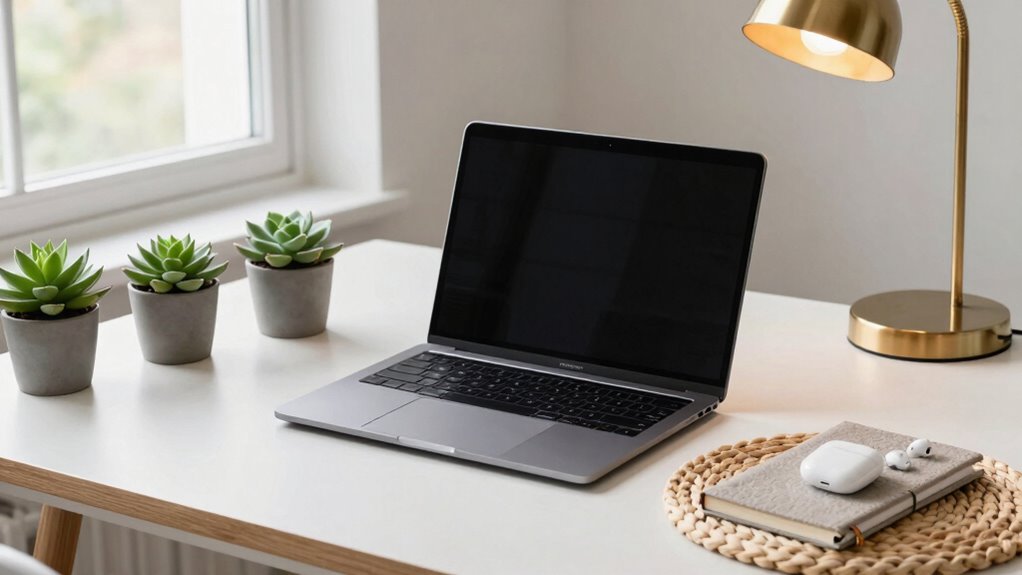
Maintaining and refreshing your setup for long-term style and functionality requires regular attention and small updates. Effective desktop organization helps prevent clutter, so regularly purging unused apps and cleaning up desktop icons keeps everything cohesive and easy to find. Wallpaper rotation every 4–6 weeks refreshes the vibe without a full overhaul, keeping the setup lively.
Cable maintenance is crucial; dusting and inspecting cables monthly, replacing worn sleeves or branding tapes, preserves a polished look and prevents technical issues. Introducing a single, unified accent element, such as a specific color or material, reinforces consistency across accessories.
Finally, scheduling quarterly reviews of peripherals like keyboards and monitors allows for swaps that better fit your evolving aesthetic and ergonomic needs. This approach ensures your setup remains functional and stylish for the long term.