
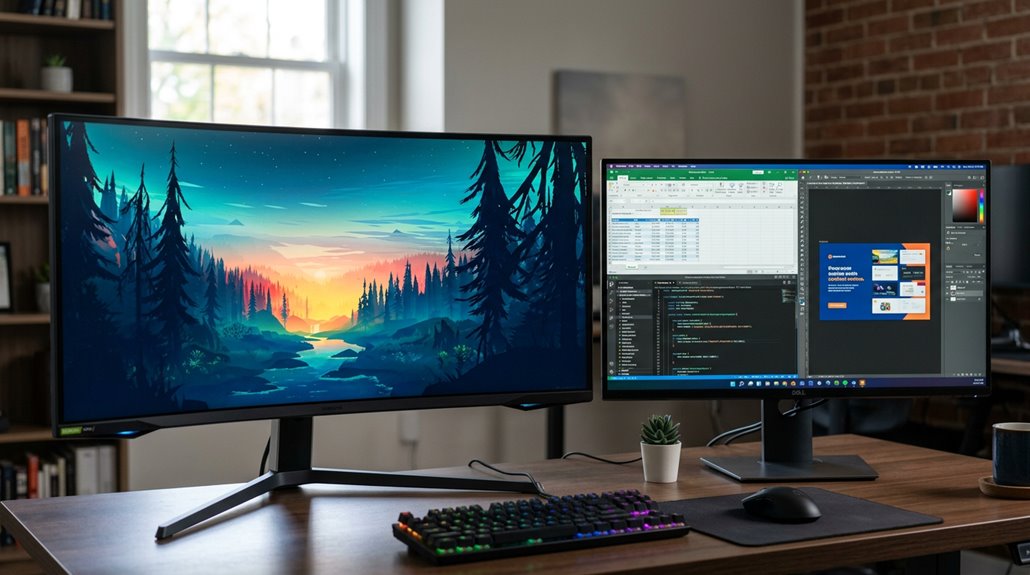
Curved monitors often feel more immersive and can reduce eye strain, making them great for gaming and multitasking, especially with ultrawide sizes. Flat monitors, on the other hand, are versatile, easier to mount and move, and tend to be more budget-friendly for work tasks. While both can display high-quality images accurately, particular benefits depend on personal preferences—curved screens are sleek and modern, but flat displays suit various setups. Keep exploring to see which style suits your needs best.
How Do Curved and Flat Monitors Differ in Design and Size?
Have you ever wondered what makes a curved monitor different from a flat one? The key difference lies in their design and size. Curved monitors feature a curvature measured by the curved monitor radius, with common values like 1000R or 1800R; a smaller number means a steeper curve, wrapping the display more around the viewer. These screens are often ultrawide, with an aspect ratio of 21:9 or even wider, giving more horizontal space for work or entertainment.
Due to their larger size and curved shape, they tend to be heavier and require more desk space compared to flat monitors. Flat screens, on the other hand, are easier to wall-mount and are more flexible for multi-monitor setups thanks to their uniform, straight edges.
Recommended Products
Samsung 49” Odyssey G9 Series DQHD 1000R Curved Gaming Monitor
Check each seller's condition and delivery.
Which Monitor Type Offers Better Image Quality and Colour Accuracy?
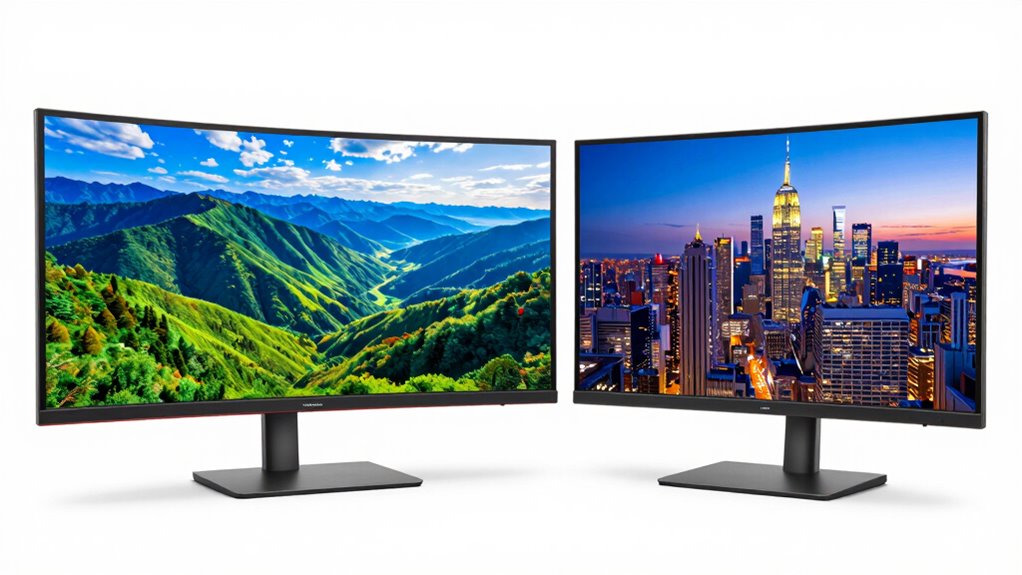
When comparing curved and flat monitors regarding image quality and color accuracy, it’s important to understand that both can deliver excellent visuals—there’s no inherent advantage in curvature itself. Both types support high color accuracy and HDR, which enhances brightness, contrast, and color depth on screens.
Curved monitors may offer better color consistency across wide viewing angles, especially on high-quality panels, but this isn’t always the case. HDR helps improve luminance and blacks for both display types, making images look more vibrant. For ultrawide curved monitors, the extra horizontal space can influence perceived color uniformity, but the actual color accuracy depends on the panel quality and calibration.
Ultimately, choosing between curved and flat displays for image quality depends more on panel specifications than the screen shape itself.
What Are the Performance Advantages of Curved vs. Flat Monitors for Work and Play?
The shape of a monitor can influence how comfortably and effectively someone works or plays, especially over long periods. Curvature benefits include reducing eye strain because the screen aligns more naturally with the eye’s field of view. This makes extended tasks, like editing documents or gaming, more comfortable.
Curved monitors also offer immersive viewing, drawing users into the action with a broader perceived screen area. This is especially true for ultrawide models, which provide extra horizontal real estate, perfect for multitasking or working on large spreadsheets. The gentle bend minimizes edge distortion and color shifts, enhancing visual consistency.
While curved monitors tend to be more expensive and larger, their advantages in comfort, immersion, and multitasking space often make them a smart choice for both work and play.
Recommended Products
Sceptre 34-inch Curved ultrawide WQHD Monitor (3440 × 1440)
Check each seller's condition and delivery.
LG 34WR55QK-B 34-inch UltraWide WQHD (3440 x 1440) Curved Computer Monitor
Check each seller's condition and delivery.
Samsung 49” Business Curved Ultrawide Dual QHD Computer Monitor
Check each seller's condition and delivery.
How Do Space, Mounting, and Compatibility Considerations Impact Your Choice?
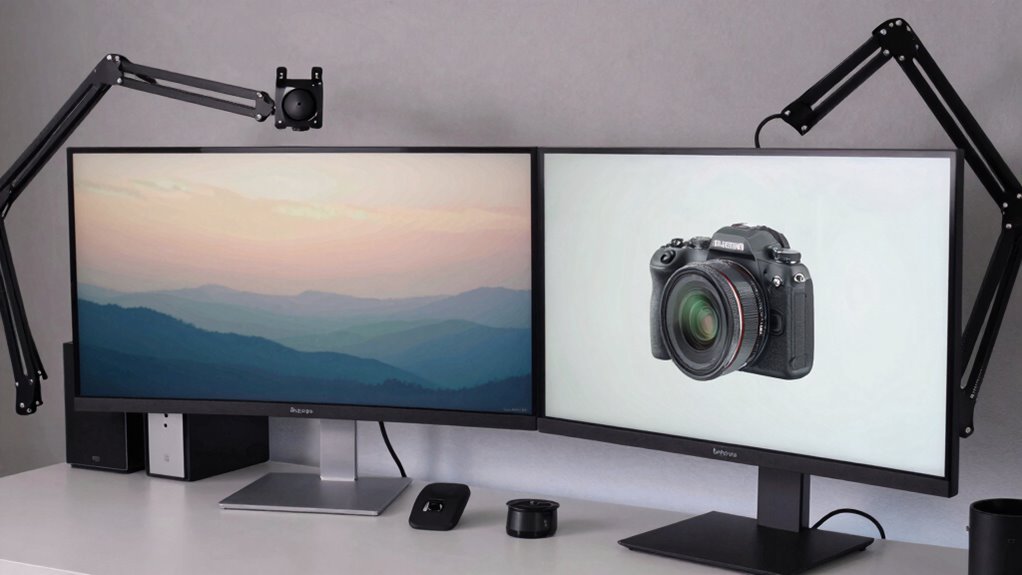
Space, mounting options, and compatibility are essential factors that can substantially influence the choice between curved and flat monitors. Curved monitor mounting can be tricky because these screens are often wider and heavier, requiring sturdy mounts or adjustable arms to prevent sagging or instability. Desk space is also a consideration; curved monitors tend to need more room due to their shape, making them less ideal for tight workspaces.
Flat monitors are easier to wall-mount and fit into compact areas, offering more flexibility. Compatibility is another key point; larger, wider screens demand more powerful graphics hardware, which affects output needs and video cable choices like HDMI or DisplayPort. Overall, understanding these factors helps users pick a monitor that fits their space, setup, and hardware capabilities.
Recommended Products
HEMUDU Single Desk Monitor Arm Mount Stand Fit for 13 inch to 32 inch Flat Curved Computer Screen with Swivel
Check each seller's condition and delivery.
WALI Ultrawide Single Monitor Arm for 17-49 inch Curved Screen
Check each seller's condition and delivery.
Which Monitor Is More Aesthetically Pleasing and Better Suited for Multi-Screen Setups?
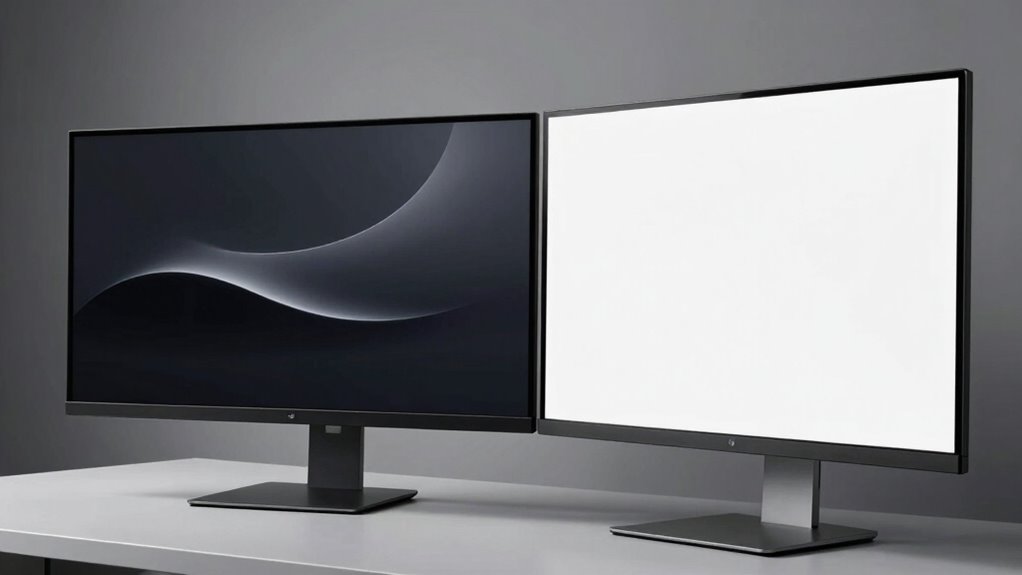
Have you ever wondered which monitor looks more appealing in a modern workspace? Curved monitors often have a sleek, modern feel, making them seem more premium and stylish. They add a futuristic touch that many find attractive. On the other hand, flat monitors offer a versatile design that works well in various settings and matches different furniture styles.
For multi-screen setups, flat monitors usually align more easily, creating a seamless visual flow.
| Feature | Curved Monitor | Flat Monitor |
|---|---|---|
| Aesthetics | Premium, modern look | Versatile, timeless appeal |
| Multi-screen alignment | Slightly challenging | Easier for side-by-side setup |
| Suitability for workspace | Modern, design-focused | Classic, adaptable |
| Overall style | Sleek and futuristic | Neutral, blends everywhere |